
Working from home has become the new normal for many Sydney residents. A well-organized home office is key to staying productive and comfortable while handling daily tasks.
Setting up a computer correctly is not just about plugging it in; it’s about creating a workspace that protects your health, data, and equipment. With the right tips, anyone can build an efficient home office that supports work and creativity.
Many Sydney residents trust Prime Geeks to guide them through home office setups because of our hands-on experience and practical advice. Over the years, we’ve helped hundreds of clients organize their spaces, connect devices, and optimize systems for both speed and safety.
Real-world experience teaches us that even small mistakes in setup can lead to frustration, slow computers, or poor ergonomics. That’s why following expert guidance can save time, prevent problems, and make work from home more enjoyable.
Choosing the Right Location for Your Home Office
The first step to a successful home office setup is selecting the right space. Ideally, pick a quiet corner with minimal distractions and good natural light. Avoid placing your computer near heat sources, direct sunlight, or damp areas.
A well-ventilated spot prevents your PC from overheating and keeps you comfortable during long work hours. If possible, use a separate room for better focus, but even a small desk in a quiet area can work well. The goal is to create a space that encourages focus and productivity.
Selecting a Suitable Desk and Chair
Your desk and chair are more than furniture—they are the foundation of your home office ergonomics. A desk with enough surface space allows your computer, monitor, and accessories to fit comfortably.
Chairs with adjustable height, lumbar support, and armrests help prevent back and neck pain. Consider the chair’s mobility if you need to move around your office.
Standing desks or adjustable desks are also a good option for alternating between sitting and standing. Proper furniture ensures long-term comfort and reduces strain from extended computer use.
Essential Computer Hardware for Your Home Office
Choosing the right hardware is crucial for smooth performance. A reliable PC or laptop, monitor, keyboard, and mouse form the backbone of your setup.
For those working with multiple applications, a faster processor and adequate RAM improve multitasking. High-quality monitors reduce eye strain and improve focus.
Wireless keyboards and mice help keep your desk clean and clutter-free. Investing in durable, reliable hardware prevents frustration and increases productivity over time.
Home office computer setup tips Sydney: Organizing Cables and Power
One of the most overlooked aspects of a home office is cable management. Tangled cords can be frustrating, unsafe, and even damage equipment. Use cable organizers, clips, or sleeves to keep wires tidy. Ensure that all devices are connected to surge protectors to protect against electrical spikes.
Labeling cables can help identify them easily in the future. Simple steps like these prevent accidents, improve workspace aesthetics, and make future upgrades easier.
Setting Up Internet and Network Connections
A strong internet connection is essential for remote work. Place your router in a central location or use mesh networks to cover your home effectively.
Wired connections via Ethernet cables offer more stability for tasks like video conferencing or large file transfers. Secure your Wi-Fi network with strong passwords and encryption to protect sensitive information.
If needed, a professional can configure your network for optimal speed and safety. Reliable connectivity is one of the most important factors for a productive home office.
Installing Software and Security Tools
A home office setup isn’t complete without essential software. Operating systems, productivity tools, and communication apps should be installed and updated regularly.
Antivirus software, firewalls, and backup solutions protect your data from viruses, malware, and accidental loss. Regular updates prevent compatibility issues and keep your system running smoothly.
Using software responsibly helps avoid crashes and ensures your computer remains secure.
Ergonomics and Health Tips for Long Hours
Working long hours at your home office can affect your posture and health. Position your monitor at eye level to prevent neck strain.
Keep your keyboard and mouse within easy reach to reduce shoulder tension. Take breaks every hour to stretch and move around. Adjust lighting to minimize glare and prevent eye fatigue.
Incorporating these ergonomic habits ensures comfort and improves long-term productivity.
Protecting Your Equipment and Data
Protecting your computer and data is a crucial step in home office setup. Use surge protectors to prevent damage from electrical spikes.
Backup important files to external drives or cloud storage regularly. Keep your computer in a dust-free area and clean it periodically.
Avoid eating or drinking near your devices to prevent accidents. Following these precautions ensures your system stays reliable and your data remains safe.
Using Multiple Monitors for Better Productivity
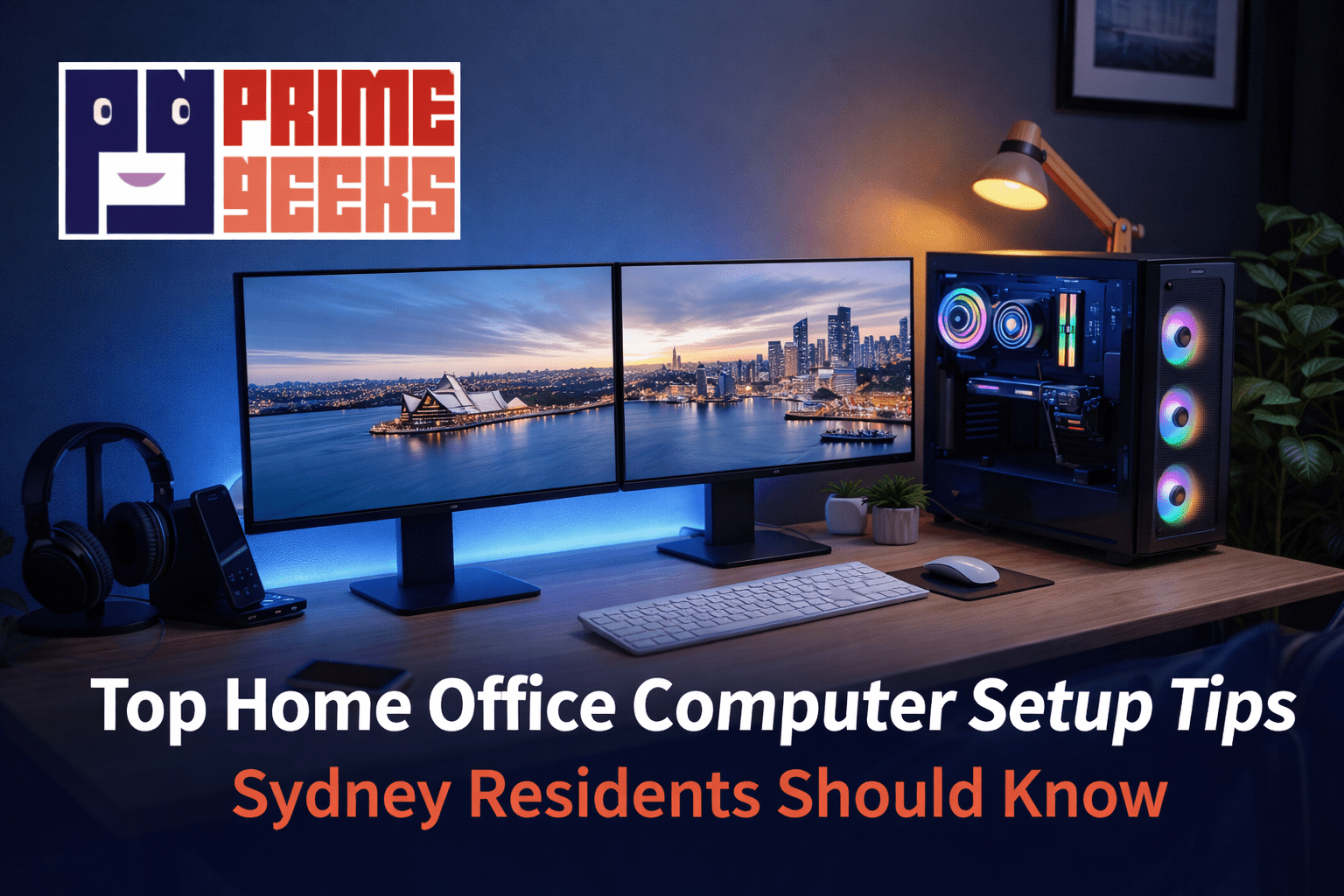
Adding a second monitor can significantly boost efficiency. Dual monitors allow you to multitask without constantly switching between windows. They are especially useful for video editing, spreadsheets, coding, or research.
Position the monitors at equal height and distance for comfort. Prime Geeks has helped many Sydney residents configure dual-screen setups that balance performance and ergonomics.
This simple adjustment can make a big difference in productivity.
Troubleshooting Common Setup Issues
Even the best setup may have occasional problems. Common issues include slow internet, device recognition errors, or software conflicts. Restarting devices, checking cables, or reinstalling drivers often solves the problem.
Keeping devices updated reduces glitches and improves reliability. If problems persist, professional assistance can quickly identify and fix the root cause. Experienced technicians save you time and prevent further damage.
Home office computer setup tips Sydney: Optimizing Performance
Optimizing your system ensures it runs smoothly for years. Regularly remove unnecessary programs, clear temporary files, and defragment drives if needed. Monitor your system for overheating and ensure proper ventilation. Adjust power settings to balance performance and energy use.
Using performance-enhancing tools carefully keeps your computer fast and responsive. Following these home office computer setup tips Sydney residents benefit from a productive and hassle-free workspace.
Final Thoughts
A well-planned home office setup makes working from home comfortable, productive, and safe. Choosing the right location, hardware, and ergonomic solutions is just the beginning.
Organizing cables, securing networks, and protecting data are equally important. Simple adjustments like dual monitors, proper lighting, and software optimization improve efficiency significantly.
Following these steps, supported by experienced guidance from teams like Prime Geeks, ensures your home office meets your work and lifestyle needs.
Safety Disclaimer:
This article provides general guidance for home office computer setup. Electrical equipment can be hazardous if handled improperly. Always unplug devices before installation or cleaning, and seek professional assistance for complex setup tasks.